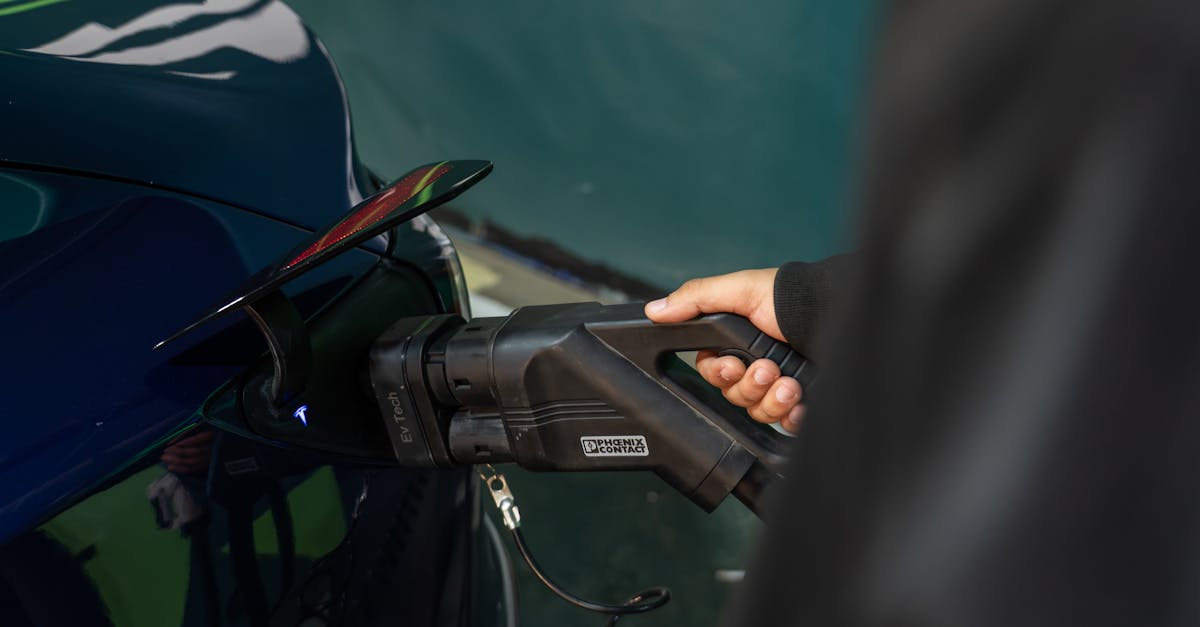
When I first jumped into the EV world, I envisioned a seamless experience with public charging. Plug in, tap phone, charge. Easy, right? What I quickly discovered, and what I hear from countless frustrated EV owners, is that the reality is often a labyrinth of different apps, inconsistent performance, and maddening user interfaces. The promise of convenience rarely materializes, leaving many of us juggling multiple accounts, battling unreliable connections, and wasting precious minutes trying to initiate a charge.
I’ve been there: standing in the rain, phone in hand, watching a loading spinner while my battery dwindles, wishing there was a simpler way. The mistake most new EV drivers make is assuming that the app ecosystem is unified and intuitive. It’s not. Each charging network, it seems, has its own proprietary app, demanding separate registrations, payment methods, and user experiences. This fractured landscape isn’t just annoying; it actively undermines the very convenience EVs promise.
Key Takeaways
- The fundamental problem is the fractured app ecosystem, requiring too many individual network registrations and payment methods.
- Rely on plug-and-charge capabilities or physical RFID cards for speed and reliability, bypassing app frustrations.
- Prioritize apps that integrate with Apple CarPlay or Android Auto for safer, in-vehicle charging management.
- Keep a physical credit card handy for pay-at-pump options or as a backup, especially on less-trafficked networks.
- Develop a personal ‘charging stack’ of 2-3 essential apps and use native vehicle navigation for route planning, not app-specific maps.
The Balkanized App Landscape: A Digital Nightmare
The core issue isn’t any single app’s poor design (though many have their flaws), but rather the sheer number of them. Imagine if every gas station chain required you to download a unique app, register, and link a payment method just to fill up. It would be absurd, yet that’s precisely the situation EV drivers face. Electrify America, ChargePoint, EVgo, Flo, Shell Recharge, Blink, SemaConnect… the list goes on, and each demands its own digital presence on your phone.
In my early days, my phone’s home screen became a testament to this chaos. I’d scroll through a dozen different charging apps, trying to remember which one I needed for the station in front of me. This isn’t just an organizational headache; it’s a security risk. Each new app is another potential data vulnerability, another password to manage, another payment portal to trust. What’s more, many of these apps are designed with varying levels of competency. Some are sleek and responsive; others are clunky, slow, and prone to crashes. I’ve had more than one instance where an app simply refused to connect to a charger, despite a strong cellular signal, forcing me to either move to another network or give up on charging altogether. This wastes time, creates anxiety, and erodes confidence in the public charging infrastructure.
The industry’s failure to adopt a universal payment and activation standard, like traditional credit card terminals, is the root cause. While some progress is being made with initiatives like Plug&Charge, which allows your vehicle to communicate directly with the charger, it’s far from ubiquitous. Until then, we’re stuck in this digital quagmire, forced to adapt to a system that prioritizes network silos over user experience.
Why ‘Plug & Charge’ and RFID Cards Are Your Best Friends
After countless frustrating moments, I realized that the best strategy is often to bypass the app entirely whenever possible. This is where Plug & Charge and physical RFID cards become indispensable. Plug & Charge, available on networks like Electrify America and IONITY (and increasingly on others for compatible vehicles), is a game-changer. Once set up, you simply plug your car in, and the charger communicates directly with your vehicle for authentication and payment. No fumbling with apps, no QR codes, no connection issues. It’s truly what the seamless charging experience should be.
For networks without Plug & Charge, an RFID card is the next best thing. Most major networks offer these cards, which you can link to your account and payment method. Instead of opening an app, you simply tap the card on the charger’s reader, and the session begins. I keep a small collection of these cards (for my most frequently used networks) in my glove compartment, ready for instant use. They rarely fail, work quickly, and eliminate the need for cellular data or a charged phone battery, which can be critical in remote areas or during long road trips.
In my experience, relying on these physical or integrated solutions drastically cuts down on frustration and speeds up the charging process. It’s a pragmatic workaround for an underdeveloped digital ecosystem. Don’t underestimate the mental relief of knowing you have a reliable, offline method to start a charge, even when technology decides to be difficult.
The Underrated Power of In-Car Integration (Apple CarPlay/Android Auto)
While avoiding apps is ideal, some interactions are inevitable. For those, prioritizing apps that integrate smoothly with your car’s infotainment system via Apple CarPlay or Android Auto can make a significant difference. Trying to navigate a clunky phone app while juggling cables, watching traffic, or simply trying to stay focused on your surroundings is a recipe for distraction.
Apps like ChargePoint, EVgo, and Electrify America (with varying degrees of functionality) offer CarPlay or Android Auto integration. This allows you to view available chargers, check their status, and sometimes even initiate a session directly from your car’s screen. The interface is often simplified, larger, and more intuitive for in-vehicle use. It also keeps your phone available for other tasks or safely tucked away.
I’ve found that using CarPlay for charging management improves both safety and convenience. Instead of glancing down at a small phone screen, the information is displayed prominently on the larger vehicle display. This means less distraction and a more streamlined experience, especially when you’re on unfamiliar roads or trying to quickly confirm charger availability and speed. Before you download yet another charging app, always check if it offers good in-car integration – it’s a strong indicator of a more user-friendly experience.
Beyond the App: The Physical Payment Backup Plan
Despite the push for app-based or integrated payments, it’s a critical mistake to assume every public charger will always cooperate digitally. There are still many older chargers, or those on smaller, independent networks, that offer traditional credit card readers. Moreover, even on modern networks, apps can crash, servers can go down, or your phone might simply run out of battery. This is why a physical credit card is your ultimate backup plan.
I always keep a dedicated credit card (preferably one with good travel rewards or no foreign transaction fees, if you frequently cross borders) specifically for public charging. More than once, I’ve pulled up to a station where the app wouldn’t connect, the QR code was unreadable, or the Plug & Charge failed, only to find salvation in a functioning credit card terminal. While not as common on major DC fast charging networks, Level 2 chargers, especially at hotels, workplaces, or older installations, frequently accept physical cards.
Don’t let the convenience of apps lull you into a false sense of security. A physical card provides tangible peace of mind and can save you from being stranded or seriously inconvenienced when technology inevitably falters. It’s a small habit that has paid off immensely for me on numerous occasions, proving that sometimes, the simplest solutions are the most reliable.
Curating Your Personal Charging ‘Stack’ and Navigation Strategy
Given the current state of affairs, the most effective approach is to develop a personal ‘charging stack’ – a curated set of 2-3 essential apps and a reliable navigation strategy that works for you.
First, identify the major networks most prevalent in your driving areas and along your common road trip routes. For me, in the U.S., this means Electrify America (for Plug & Charge), ChargePoint (ubiquitous Level 2, some DCFC), and EVgo (good coverage, though sometimes slower). These are the apps I keep installed, updated, and logged into. All others are deleted to reduce clutter and cognitive load. I also make sure I have the corresponding RFID cards for these networks.
Second, do not rely on charging apps for navigation. While many apps have built-in maps to show charger locations, their routing capabilities are often inferior to dedicated navigation systems. Your vehicle’s native navigation (especially if it’s EV-aware, like in newer Teslas or Ford Mach-Es) or a robust third-party app like ABRP (A Better Routeplanner) or Google Maps (which now shows live charger availability) will provide more accurate routing, real-time traffic, and better estimations of arrival state of charge.
My strategy: I use my car’s native navigation or ABRP for route planning and identifying potential charging stops. Then, if I need more detailed real-time status or to confirm a charger type, I’ll quickly check one of my 2-3 core charging apps. This separation of duties ensures I’m using the best tool for each specific task, preventing the frustration of trying to force a charging app to be a full-featured navigator.
Frequently Asked Questions
Q: Why do EV charging networks require so many different apps?
A: The primary reason is that the EV charging infrastructure developed in a fragmented way, with different companies building their own networks, each with its proprietary billing and activation systems. There hasn’t been a universal standard for payments and communication across all networks from the outset, leading to a balkanized app ecosystem.
Q: Is there a universal app that works for all EV charging stations?
A: Unfortunately, no. While some apps (like PlugShare) can locate chargers from various networks, they don’t allow you to initiate a charge session on all of them. You still need the specific network’s app or an integrated solution like Plug & Charge to start the session, unless the charger offers a direct credit card reader.
Q: What is Plug & Charge and how does it make charging easier?
A: Plug & Charge is a technology that allows your EV to communicate directly and securely with a compatible charging station. Once set up, you simply plug your vehicle into the charger, and it automatically authenticates your vehicle, initiates charging, and handles payment without needing a separate app, RFID card, or credit card. It’s the most seamless charging experience currently available, though not all EVs or charging networks support it yet.
Q: Should I get RFID cards for my most used charging networks?
A: Absolutely. Physical RFID cards act as a reliable backup when app connectivity is poor or your phone battery is low. They often initiate a charge faster than an app and can be linked to your preferred payment method, providing a quick and consistent activation method for your frequently used networks.
Q: How can I avoid being stranded by an unreliable charging app?
A: Beyond having RFID cards and a physical credit card as backups, always check recent user reviews and status updates on apps like PlugShare before heading to a station. Plan your route with multiple charging options in mind, especially on long trips, and always maintain a buffer in your battery’s state of charge. Utilizing in-car navigation systems that display live charger data can also help avoid dead-end trips to non-functional stations.
In the grand scheme of EV ownership, the public charging app experience remains a persistent thorn in many drivers’ sides. But by understanding why it’s so frustrating and adopting a strategic, multi-faceted approach – leaning on Plug & Charge, using RFID cards, leveraging in-car integration, and always having a physical payment backup – you can significantly mitigate the headaches. This isn’t just about efficiency; it’s about reclaiming the joy and convenience that electric driving promises.
Mark Harrison
Charging & Range Analysis